
comfilepi:install_qt_creator:index
Table of Contents
Installing Qt and Qt Creator
Download Qt
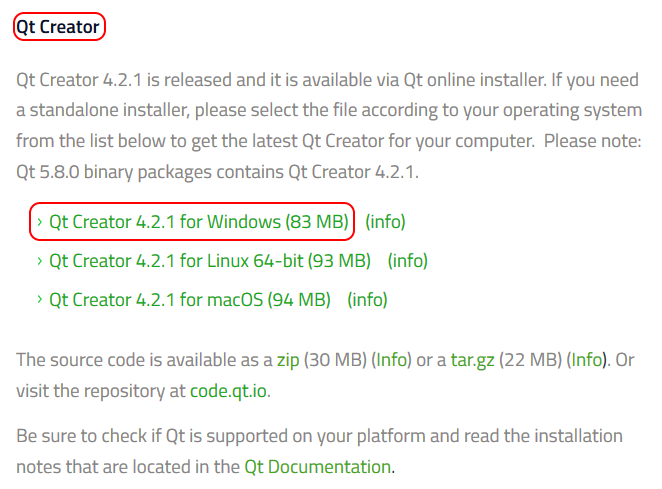
Go to https://www.qt.io/download-open-source/#section-2 and scroll down to the Qt Creator section. Follow the Qt Creator 4.2.1 for Windows link to download the Qt Creator installer.
Install Qt on a Windows Host
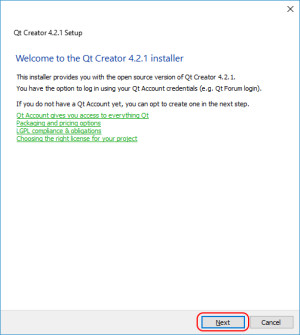
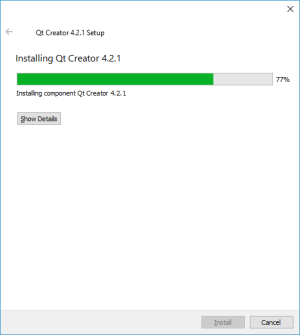
Run the installer to begin the installation.
 | 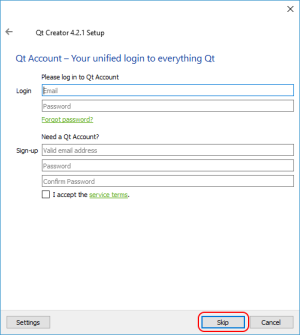 |  |
It is not necessary to create a Qt account to install Qt Creator. If you don't have or want a Qt account, just press the Skip button.
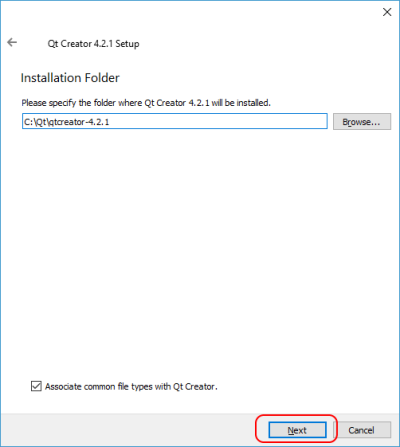
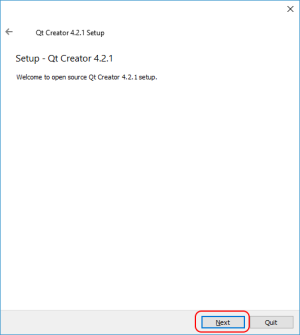
Qt creator should not be installed in a directory whose path contains spaces. Also, the ComfilePi SDK will look for Qt Creator in the C:\Qt directory, so it is recommended to not change it.
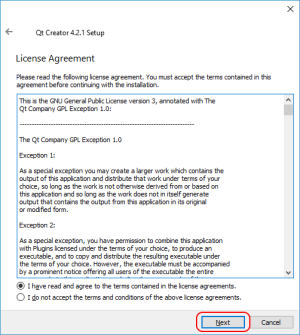 | 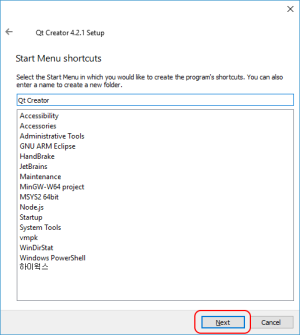 | 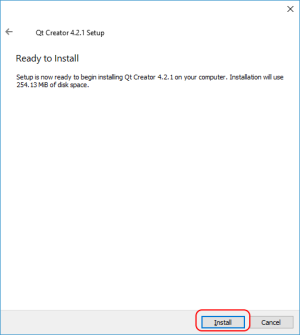 |
 | 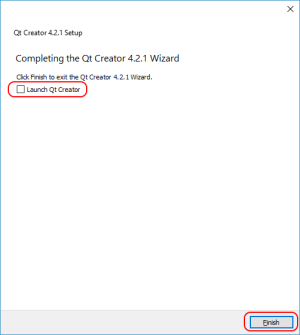 |
After installation is finished, uncheck the Launch Qt Creator and press the Finish button to finish the installation; Qt Creator can be launched after installing the ComfilePi SDK.
comfilepi/install_qt_creator/index.txt · Last modified: by 127.0.0.1