Table of Contents
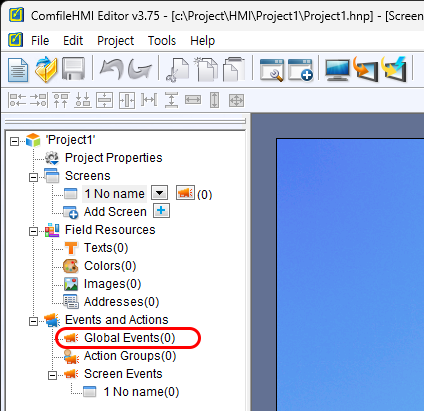
Global Events
Global events are project-level events that are always active regardless of which screen is being displayed. On the contrary, screen events are only active when their associated screen is being displayed.
Global Event Types
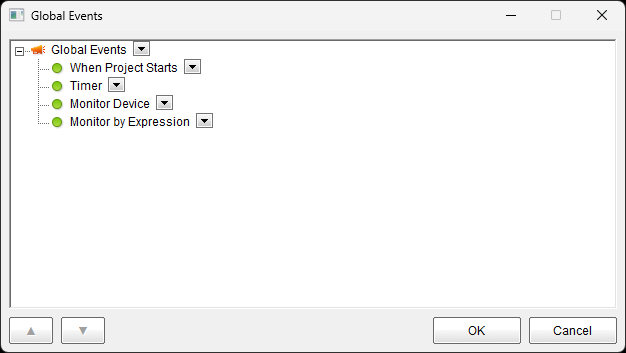
There are 4 available global event types:
- 1. When Project Starts : This event occurs when the project is first executed.
- 2. Timer : This event occurs periodically while the project is running.
- 3. Montor Device : This event occurs when data in a device's memory meets a specified condition.
- 4. Monitor by Expression : This event occurs when a variable or expression evaluates to a specified condition.
1. When Project Starts Event
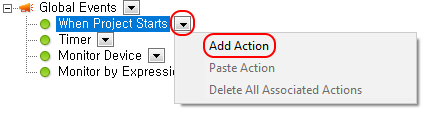
Press the down arrow icon next to the event type to add actions to an event.
2. Timer Event
Press the down arrow icon next to the Timer node to add a new timer event.
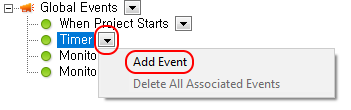
The following window will appear.
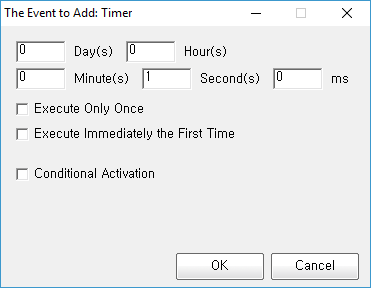
Specify the period of for which the event will occur. In this example, the period is set to 1 second.
Add actions to run when the event occurs.
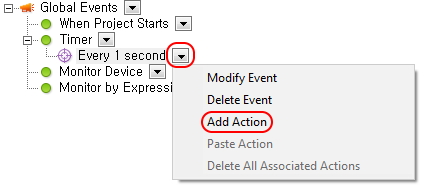
3. Monitor Device Events
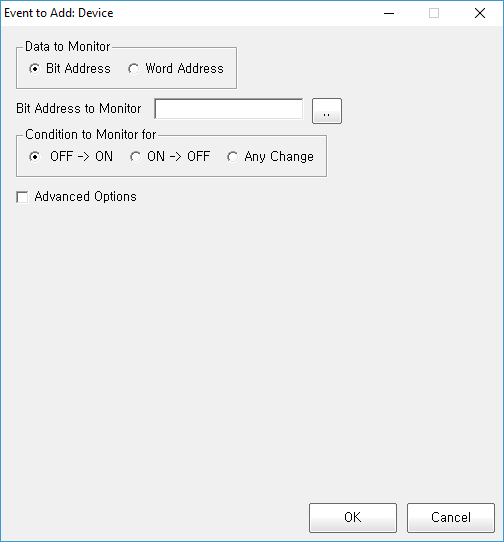
Press the down arrow icon next to the Device node to add a new device event
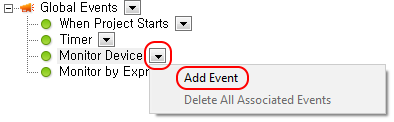
Enter the device address to monitor and specify the conditions that must be met for the event to occur.
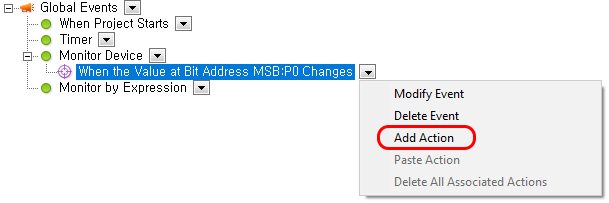
Add the actions to be executed when the event occurs.
4. Monitor by Expression Events
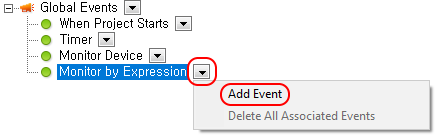
Press the down arrow icon next to the Expression node to add a new expression event.
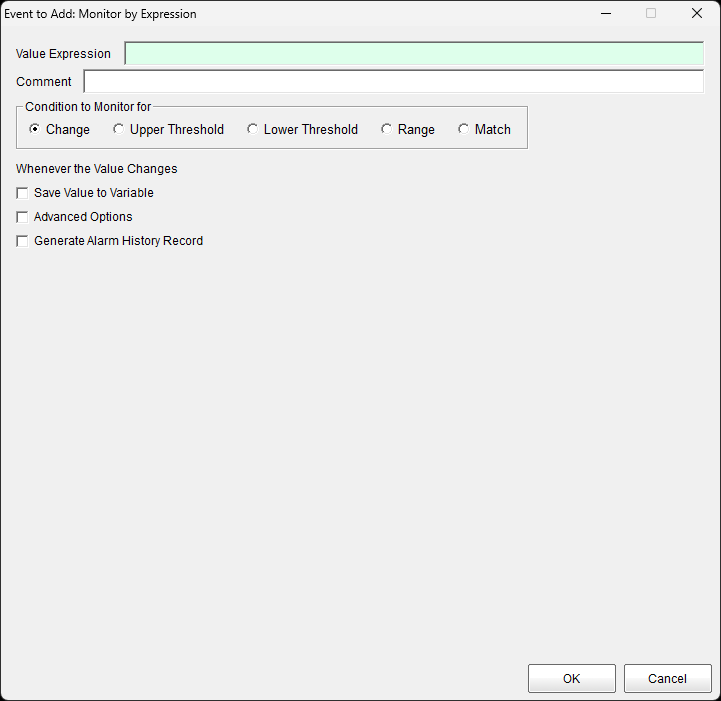
Enter the expression specifying the condition that must be met for the event to occur.
Add actions to be executed when the event occurs.
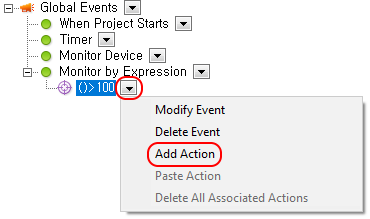
Add Action
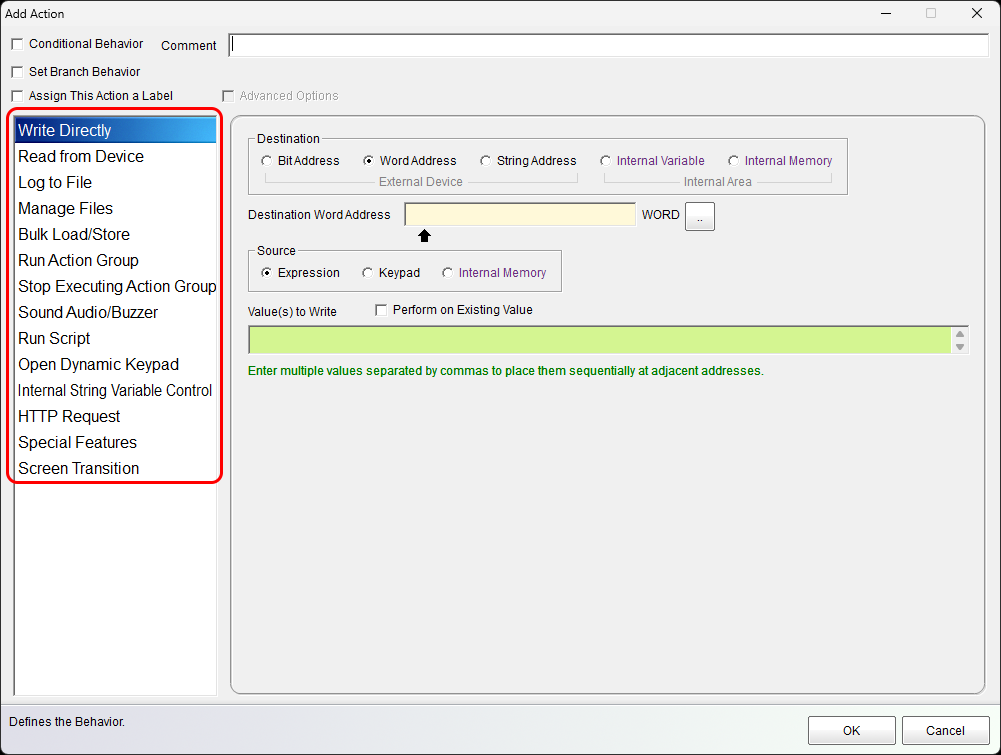
The following window will appear to provide the ability to add multi-actions to the event.